Pet Pictures: How to Take Photos That Make Great Pet Art
By Animal Heroes World · Updated · 9 min read

Great pet pictures come down to three things: soft natural light, a camera at your pet's eye level and sharp focus on the eyes, and every modern phone can manage all three. This guide covers practical phone photography for dogs and cats at home, the tricky cases like black dogs, white cats, puppies and seniors, how to work with old photos of a pet who has passed, and what makes a photo work well when you want to turn it into a custom pet portrait.
How to take pet pictures with your phone
Most disappointing pet pictures have the same few causes: dim indoor light, a camera pointing down from standing height, and a pet who moved at the wrong moment. Fix those and your photos improve overnight.
- Turn off the flash. It flattens fur, creates glowing eyes and startles most animals.
- Wipe the lens. A smudged phone lens is behind more soft, hazy photos than any setting.
- Get low. Kneel, sit or lie on the floor so the lens is level with your pet's eyes.
- Tap on the eyes to set focus and exposure there, then shoot.
- Shoot more than you think. Take 20 photos to get two great ones; that's normal, even for pros.
Light: the biggest difference in any pet photo
Soft daylight is the secret behind almost every beautiful pet photo. Put your pet a few feet from a large window, ideally one without direct sun streaming in, and stand with the window beside you or slightly behind you. The light wraps around the face, shows the texture of the fur and puts a small sparkle in the eyes.
Outdoors, an overcast day is perfect. In bright sun, move into open shade, such as the shadow of a house or a tree, so your pet isn't squinting and the fur doesn't wash out. The hour after sunrise and before sunset gives warm, gentle light too.
Avoid a bright window or sky directly behind your pet, which turns them into a dark silhouette. At night, a lamp beats flash: bring your pet close to the brightest light in the room.
Eye level and focus: dog pictures and cat pictures that feel alive
Photos taken from standing height make heads look big and bodies small, and they show the top of the head instead of the face. Getting down to eye level changes everything: suddenly you're looking at your dog or cat the way another animal would, and the picture has personality.
With dogs, sit on the floor and let them come to you. Cats are easier to catch where they already rest, like the windowsill or the back of the couch; bring your phone to their level rather than moving them.
Then tap the screen on the nearest eye to lock focus. If the eyes are sharp, a little softness elsewhere still looks natural. If the eyes are soft, the whole photo feels off.
Phone settings that help
Use the regular 1x lens, or 2x if your phone has a real telephoto, rather than pinching to zoom, which crops away detail. Lower the exposure slider a little if white fur looks blown out, and raise it slightly for dark coats. Keep HDR on; it helps with bright windows.
Getting your pet's attention without chaos
The best expression is alert and curious: ears up, eyes bright, head slightly tilted. To get it, give your pet a reason to look toward the camera.
- Hold a treat just above the lens so the gaze lands near the camera, not on your hand below it.
- Make a new sound once: a squeak, a crinkle of a bag, a kissing noise. Novelty works; repetition doesn't.
- Say a favorite word like walk, dinner or the name of a friend, and shoot the moment the ears go up.
- Keep sessions short. Five minutes with rewards beats twenty frustrating ones; stop while your pet is still having fun.
Use burst mode and pick the sharpest frame
Pets move constantly, so give yourself options. On most phones, holding the shutter button or sliding it sideways fires a burst of photos. When you review, zoom in on the eyes: the frame where you can see whiskers and individual hairs is the keeper.
Backgrounds: keep it simple
A plain wall, a blanket or a stretch of grass keeps attention on your pet; move distractions like a laundry basket out of the frame. Choose a background that contrasts with the coat, such as a light couch for a dark dog or a darker blanket for a white cat, so the outline of the ears and fur is clear.
Pet photography tips at home for tricky coats and ages
Some pets are simply harder to photograph. Here's how to handle the usual suspects.
Black dogs and black cats
Dark fur swallows light, so the face can become a featureless blob. Shoot in the brightest daylight you can find, face your pet toward the window, and nudge the exposure slider up until you can see the eyes and the texture of the fur. A catchlight in the eyes is the sign you got it right. More on black cats in art on our black cat portraits page.
White cats and white dogs
The opposite problem: bright fur blows out to pure white with no detail. Avoid direct sun, use soft window light, and lower the exposure slightly until you can see the texture of the fur again.
Puppies and kittens
They never stop moving, so shoot when they're sleepy, right after play or a meal. Sit on the floor, use burst mode and keep sessions to a few minutes. A sharp photo of a sleepy face beats a blurry one of a zoomie.
Senior pets
Older pets love to rest in one spot, which makes them easy to photograph. Go to them instead of asking them to move, and keep the light soft to flatter graying muzzles.
Multiple pets
Getting two or three animals to look at the camera at once is hard. For custom art, you don't need a group photo: take one clear photo of each pet and they can be combined in the same artwork.
Common pet photo problems and how to fix them
If your pictures keep coming out wrong, find the symptom here. Most fixes take seconds.
| Problem | Likely cause | Fix |
|---|---|---|
| Blurry face | Pet moved or low light | Burst mode, more daylight, tap to focus on the eyes |
| Glowing or red eyes | Flash | Flash off; use window light or bring a lamp closer |
| Pet is a dark silhouette | Bright window or sky behind the pet | Turn around so the light falls on the face |
| Big head, tiny body | Shot from standing height | Kneel or lie down to eye level |
| Black dog has no face | Underexposed dark fur | Brighter light, raise the exposure slider |
| White cat looks flat | Overexposed fur | Soft light, lower the exposure slider |
| Ears cut off | Too tight a frame | Step back and leave space around the head |
| Grainy, soft details | Digital zoom or a dim room | Move closer instead of zooming; add light |
Old photos and memorial photos of a pet who has passed
If your pet is no longer with you, you can't take a new photo, and that's okay. The pictures you already have are enough more often than you might think.
Search your phone, old messages, social media posts and family members' phones. Look for the photo where the face is sharpest and the eyes are visible, even if the lighting is imperfect or the background is cluttered. A slightly grainy photo that truly looks like your pet is better than a crisp one where they're turned away.
For printed photos, lay the print flat near a window, avoid glare, hold the phone straight above it and shoot without flash.
When you're ready, a portrait can be a comforting way to keep them close. Our guides to pet memorial gifts and the pet memorial canvas have more ideas, and the angel style on our character portraits is a gentle option to consider.
What is the best photo for a pet portrait?
A photo that looks lovely on your phone isn't always the best starting point for art. The artwork is built from the real details of your pet's face, so a few things matter more than composition or a pretty background.
- Resolution: send the original photo, not a screenshot or a version saved from a chat app, which are often compressed. Aim for at least 1,000 pixels on the short side; under 400 pixels we'll warn you that the art may be soft.
- Ears in the frame: cropped ears are the most common reason a portrait needs a redo. Leave a little space around the whole head.
- No filters: beauty filters, color effects and portrait-mode blur change markings and fur color. Upload the unedited photo.
- Face toward the camera: straight on or a slight three-quarter angle works best. Profiles work for some styles but hide one eye.
- One pet per photo: for two or more pets, upload a separate clear photo of each.
- Accurate colors: daylight shows true fur color; warm lamp light can turn a gray cat beige.
Cropping, backgrounds and how your photo becomes art
You don't need to edit your photo before uploading. After you upload, you can tap Crop to zoom in on your pet's face, which helps when the pet is small in the picture or another animal is in the frame. Crop in close, but keep the ears and the top of the head.
What happens to the background depends on the product. On shirts, mugs and stickers, your pet is cut out from the photo, so the background disappears and only a clear outline matters. On wall art, the style paints a fresh scene, such as a royal backdrop or a snowy Christmas setting, so you don't need a pretty room behind your pet. Either way, a simple, contrasting background makes the outline cleaner.
Photos are accepted as JPG, PNG, WEBP or HEIC, straight from an iPhone or Android, up to 25 MB.
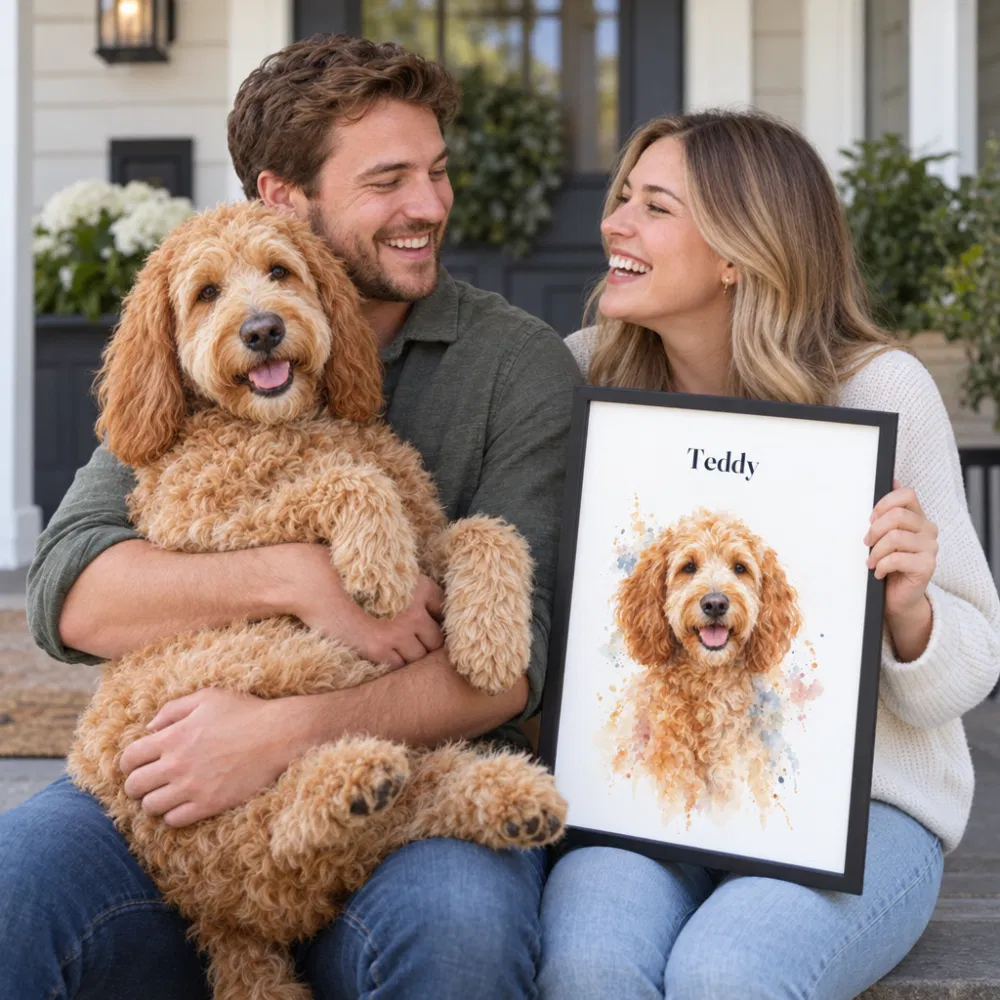
Modern Custom Pet Portrait
A soft watercolor of your pet with their name on top — canvas, print or digital.
From $29.99 · free preview
Design yoursHow to turn your pet pictures into art
Once you have a photo you love, the fun part takes about a minute. Go to create, upload the picture, choose a style and add your pet's name. You'll see a free preview of the finished art in seconds, and you only pay if you love it.
The Modern Custom Pet Portrait is a soft watercolor of your pet with their name on top: $29.99 as a digital download, art prints from $39.99 and canvas from $89.99, with an optional solid wood frame that arrives ready to hang. Prints and canvases are made in 2–4 business days and ship in 3–5, printed in the USA.
Prefer something with more personality? Browse all art styles: your pet as a king or astronaut on a character portrait, bold pop art, a cheerful cartoon, or a Christmas portrait for the holidays. The same photo also works on a custom pet mug or a pet face shirt.
Planning a surprise without the photo yet? Choose Send photo later and we'll email an upload link. More in our custom pet portraits guide and how to turn a pet photo into a painting.
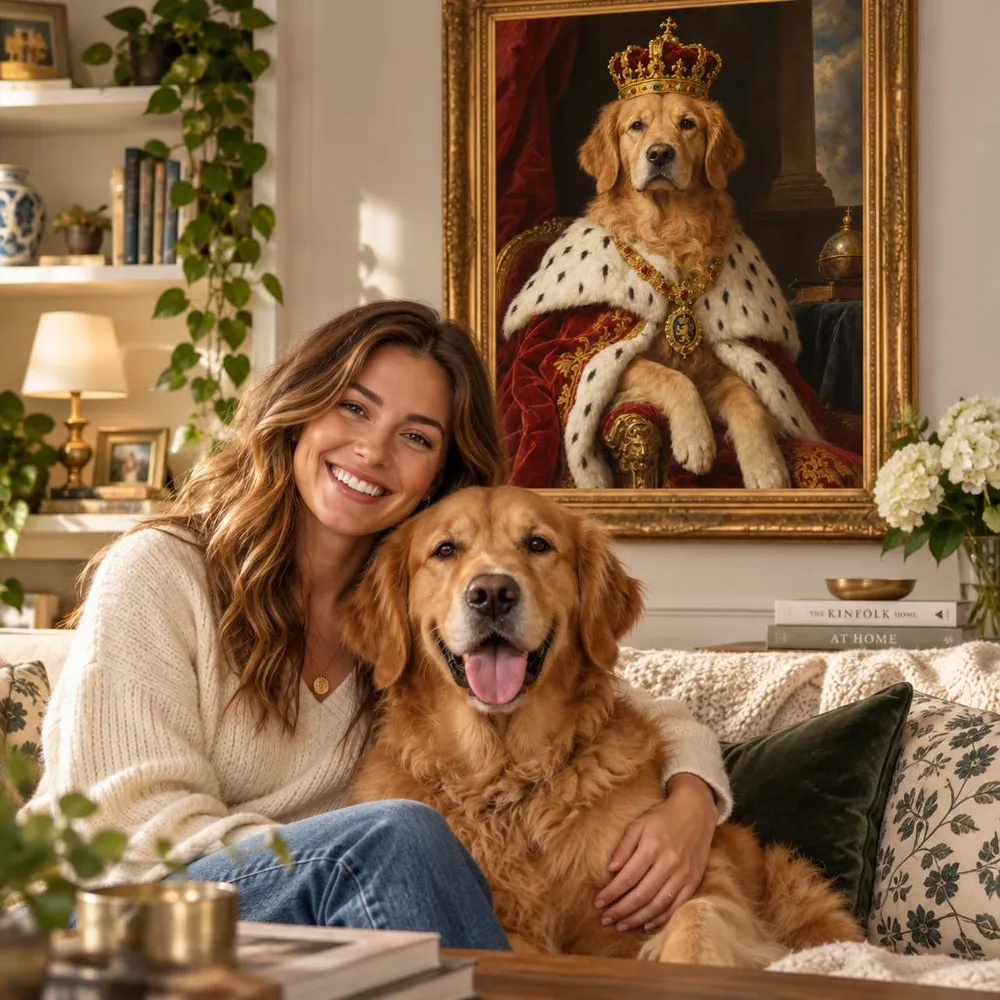
Character Pet Portrait
Your pet as a king, queen, admiral, astronaut or hero — painted from your photo.
From $29.99 · free preview
Design yoursFrequently asked questions
Ready to turn your pet into art?
Upload a photo, see your free preview in seconds, and only pay when you love it.
Upload your pet picture — free preview